✳ READY, TOGETHER.
A little preparation.peace of mind. Know what you have. Find what you need.
Made for iPhone & iPad
⌂ Built around your household◎ Useful with or without a signal↗ Shared only when you choose
A PLACE FOR THE PRACTICAL THINGS
The everyday work A water supply. A charged battery. The right person to call. Bring the details together, one useful step at a time.
01 / THE APP
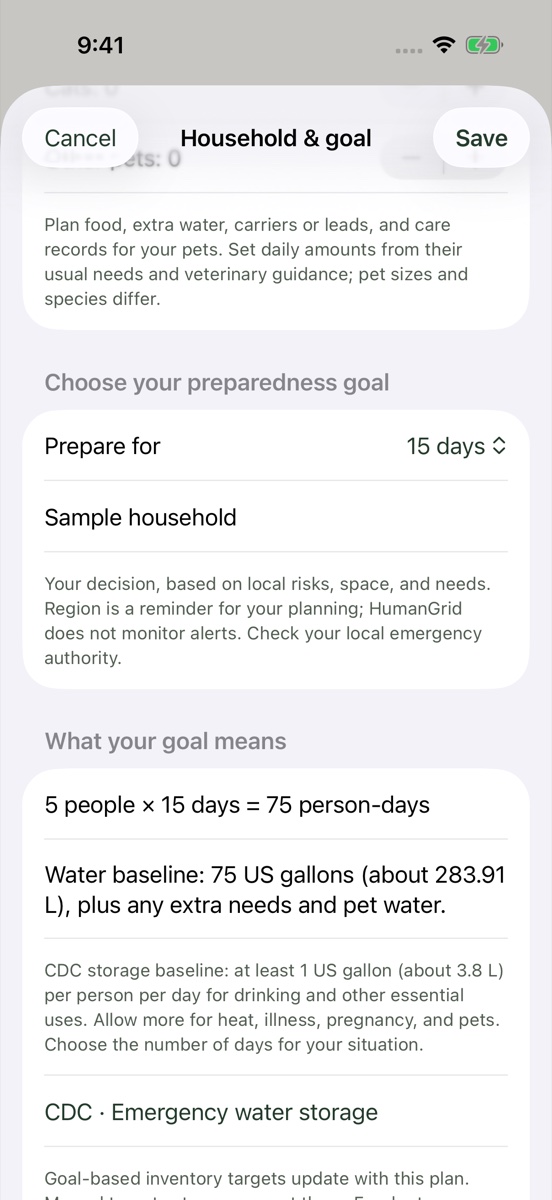
A plan that fits your people. Different people. Different needs. Set your household size, include your pets, and choose the number of days you want to plan for.
Supply targets that follow your household Room for personal needs and packing reminders Your choice of duration, from a few days to more
Actual app screen · sample data 02 / THE APP
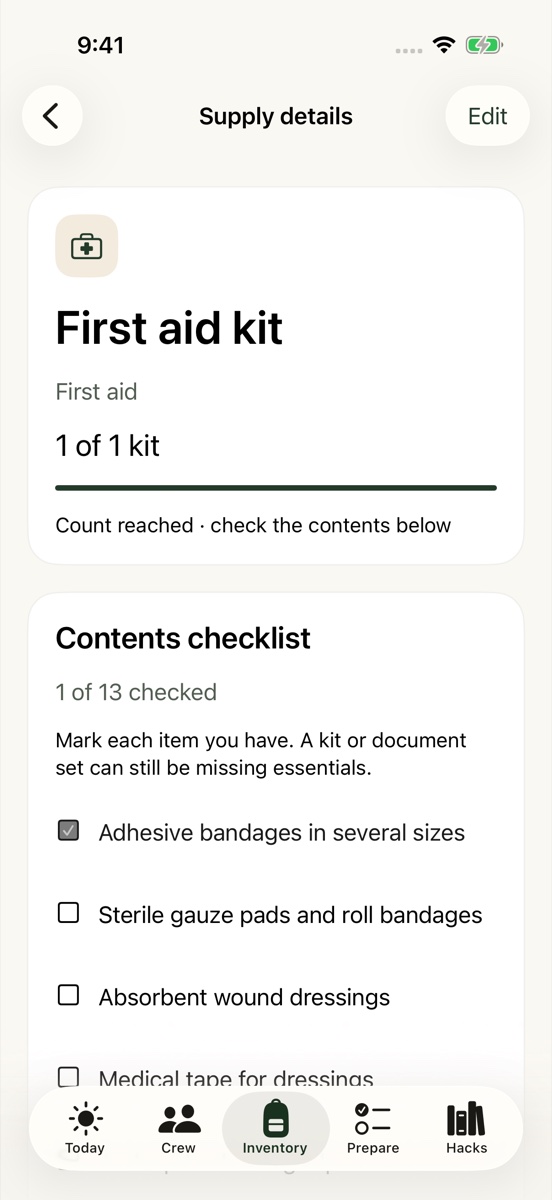
Know what’s actually in the bag. Turn “I think we have one” into a clear answer. Count your supplies, check the contents of each kit, and record where everything lives.
Detailed first-aid and document checklists Visible gaps, quantities and storage locations A list of what you still need to get
Actual app screen · sample data 03 / THE APP
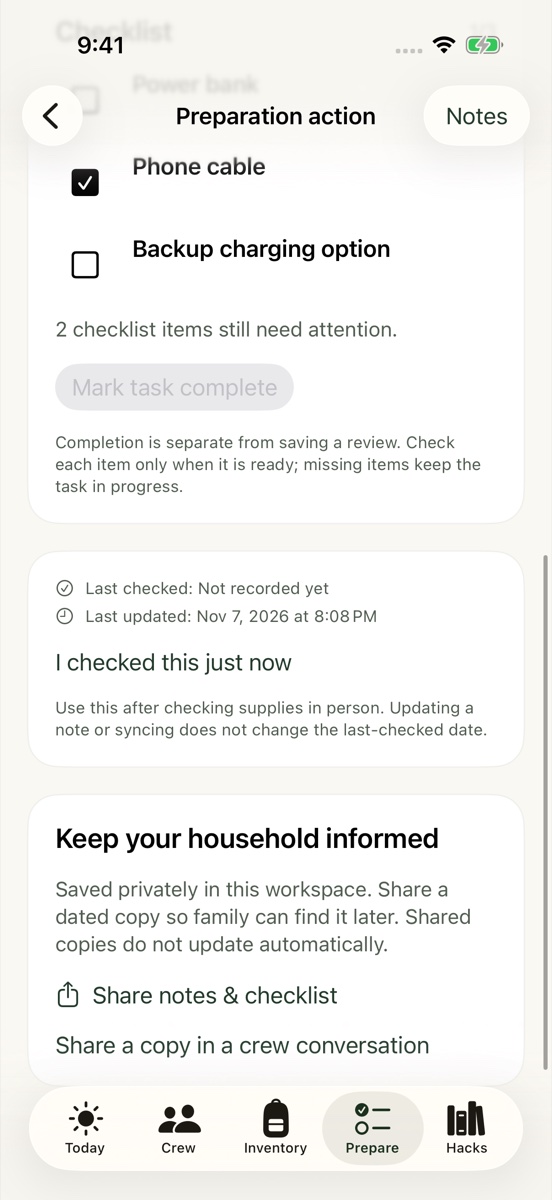
Small steps. Real progress. Prepare a little at a time. Keep instructions, notes and checklists together, so the next step is easy to find.
Save progress without calling a task complete Keep quantities and locations alongside each step Remember what you checked, and when
Actual app screen · sample data 04 / THE APP
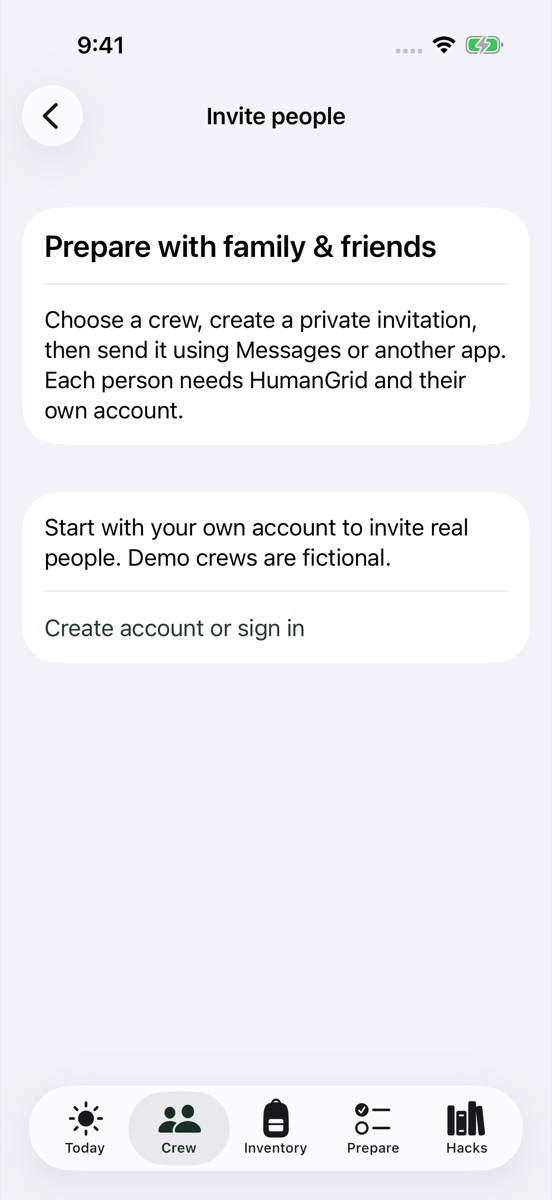
Make a plan with your people. Invite the family, friends or neighbors you trust. Share a useful update, find a skill in your circle, and keep the conversation in one place.
Private crews with invitations you choose to share A shared conversation when you’re connected Personal supplies and household notes stay private
Actual app screen · sample data
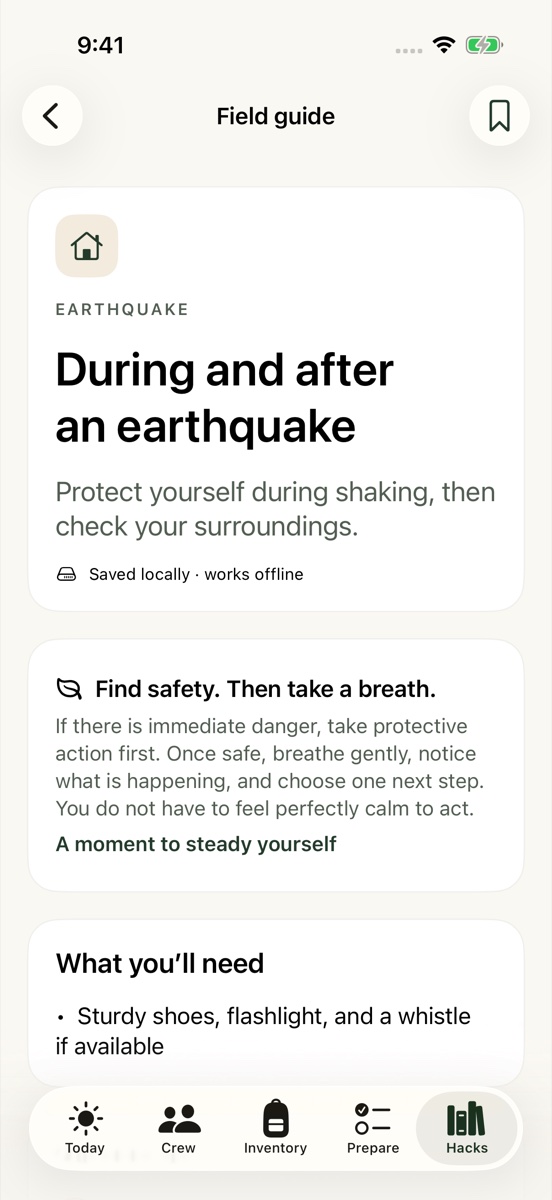
Your signalYour plan shouldn’t. The useful things stay close. HumanGrid saves your plan on your device, so a lost connection doesn’t mean starting over.
↗ When you’re onlineSync your signed-in plan, exchange crew messages, and download updated guides.
✓ When you’re offlineRead saved guides, check supplies, and keep making progress. Queued messages send after reconnecting.
HumanGrid doesn’t replace a signal, official alerts or emergency services. Keep paper copies of essential contacts, too.
REAL-WORLD REMINDERS
Life doesn’t always Recent events make a simple point: a few things prepared ahead of time can be easier than figuring everything out in the moment.
POWER APRIL 2025
01 Spain & Portugal
When the lights go out. On April 28, 2025, continental Spain and Portugal experienced a total blackout. ENTSO-E published its final investigation report in March 2026.
THE EVERYDAY TAKEAWAY Know where your lighting and charging supplies are. Keep the instructions you need close by, even without a connection.
ENTSO-E investigation ↗ (opens in a new tab) CONNECTION JANUARY 2026
02 United States
A signal isn’t a certainty. Verizon confirmed a network outage on January 14, 2026, and reported service restored that night.
THE EVERYDAY TAKEAWAY Agree on a check-in plan before you need it. Save essential information, and keep a paper copy of emergency contacts.
Verizon’s network update ↗ (opens in a new tab) LEAVING HOME JANUARY 2025
03 Los Angeles
Some decisions can’t wait. The Palisades Fire brought evacuation zones, shelters and restrictions on returning home, documented in CAL FIRE’s January 27 update.
THE EVERYDAY TAKEAWAY Decide where documents, go-bags and pet supplies belong ahead of time. Follow local evacuation instructions when it matters.
CAL FIRE incident update ↗ (opens in a new tab) Reported events, with our practical takeaways. These are not HumanGrid customer stories or endorsements. Sources reviewed November 7, 2026.
YOU DON’T HAVE TO DO EVERYTHING TODAY
Start with one shelf. 01 Choose your people. Set up your household and a goal that fits.
02 Count what you have. Check one kit. Find one missing item.
03 Keep the plan close. Save the details. Bring your crew along.
What can I do without internet?+ Read the guides bundled with the app, search saved information, and edit your local inventory, household plan and tasks. Previously downloaded crew information stays available. Messages can be queued, but they need an internet connection to reach other people.
Do I need an account to get started?+ You can start a solo plan and use the bundled guides without signing in. An account is needed for server sync, crews and invitations. After signing in, you choose whether to import your solo plan and supplies.
Who can see my household information?+ Your personal inventory, tasks, household needs and medication reminders are private to your account. Crew members can see shared messages and the profile details you choose to share. Sharing a task creates a dated copy; later private edits do not update that copy.
Is this an emergency alert or rescue service?+ No. HumanGrid helps you organize and prepare. It does not issue live alerts, assess your local risk, contact emergency services or send messages through Bluetooth or mesh networks. Follow official guidance, keep your phone charged, and keep paper copies of essential information.
How do I invite someone?+ In Crew, choose Invite family & friends, select a crew you created, and share an invitation. Each person needs HumanGrid, an account and their own invitation. Links are single-use and expire after seven days.
FOR YOUR HOME. FOR YOUR PEOPLE.
Ready is somethingtogether. View on the App Store HumanGrid for iPhone & iPad